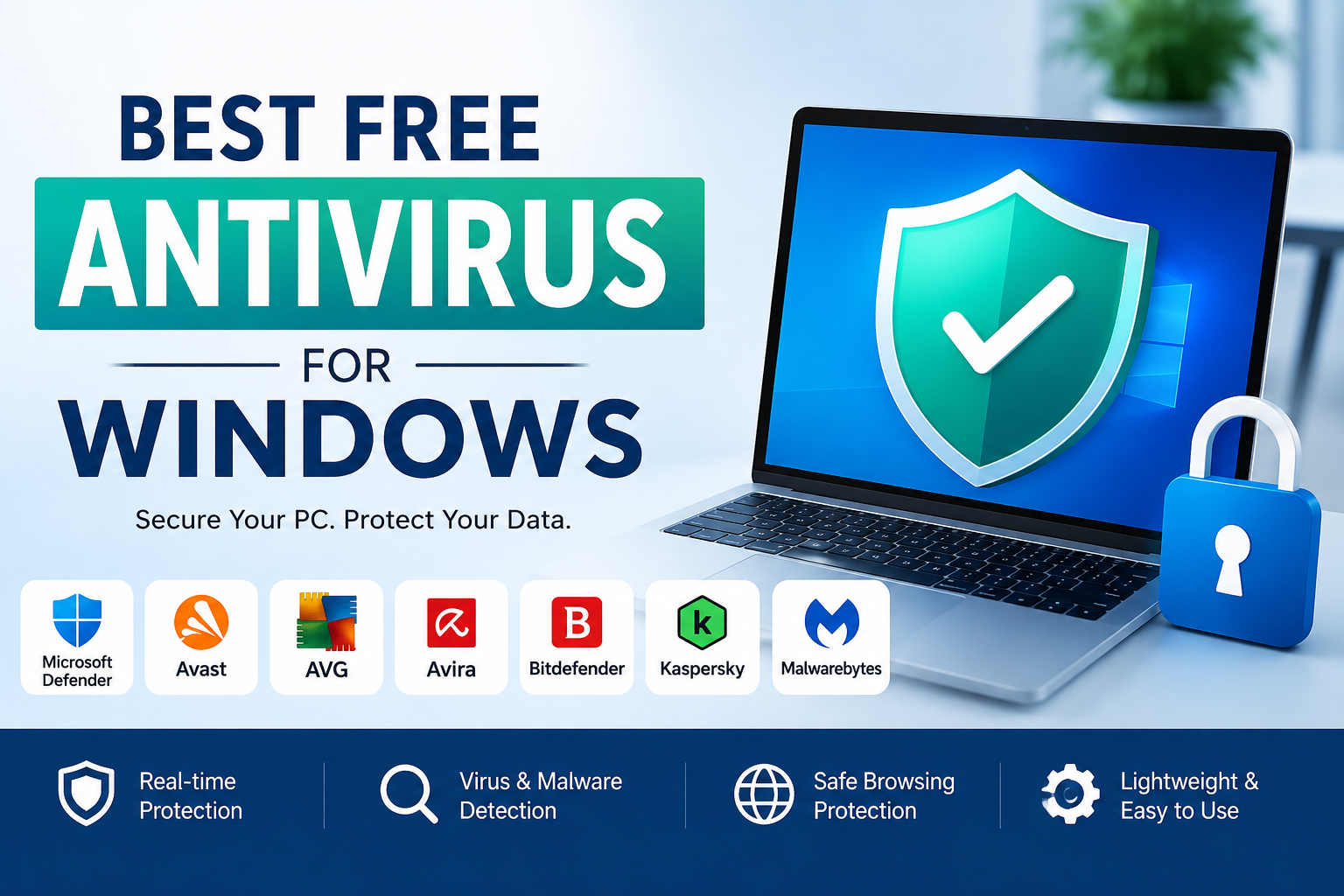
If you use a Windows PC every day like I do, then you already know how important it is to keep your computer safe. Whether I am browsing the internet, downloading files, checking emails, or working on personal projects, I always want to make sure my data stays protected. Cyber threats have become more common than ever, and even a single careless click can expose a computer to viruses, ransomware, spyware, or other harmful software.
The good news is that you do not always need to spend money to get reliable protection. There are several free antivirus programs that provide excellent security without charging a subscription fee. While premium antivirus software offers extra features, many free versions are more than enough for everyday users who simply want to keep their Windows computer secure.
In this article, I will share my thoughts on the best free antivirus software for Windows, explain their strengths, and help you decide which one is the right choice for your needs.
Why You Need Antivirus on Windows
Many people believe that they do not need antivirus software because they only visit trusted websites. Unfortunately, online threats are becoming smarter every year. Even legitimate websites can sometimes be compromised, and phishing emails often look completely genuine.
A good antivirus program helps protect your system by detecting malicious files before they can damage your computer. It also blocks dangerous downloads, scans USB drives, monitors suspicious activities, and warns you before visiting risky websites.
Even if you are careful online, having antivirus software gives you an extra layer of protection that can prevent serious problems.
Is Free Antivirus Good Enough
In my opinion, free antivirus software is perfectly suitable for most home users. If your daily activities include web browsing, online shopping, watching videos, using Microsoft Office, and playing games, a trusted free antivirus is usually enough.
The only difference is that premium versions often include additional features such as VPN services, password managers, identity protection, parental controls, and advanced firewall settings. These features are useful but not essential for everyone.
For basic protection against malware and viruses, free antivirus software performs surprisingly well.
Microsoft Defender
When I think about free antivirus software, Microsoft Defender is the first option that comes to mind. The best part is that it comes built directly into Windows, so there is nothing extra to install.
Microsoft has improved Defender significantly over the past few years. It now offers real time protection, cloud based security, ransomware protection, firewall integration, and regular automatic updates.
I appreciate how lightweight it feels. Since it is already integrated with Windows, it works smoothly without slowing down the computer too much.
For users who do not want to install additional software, Microsoft Defender is honestly one of the best choices available today.
Avast Free Antivirus
Avast has remained one of the most popular free antivirus programs for many years. I have personally used it on older computers, and it consistently provided reliable protection.
The software offers real time malware detection, ransomware protection, Wi Fi security scanning, and email protection. Its interface is simple enough for beginners while still providing advanced options for experienced users.
One thing I like about Avast is how often it updates its virus database. This helps it recognize newly discovered threats very quickly.
The free version also includes smart scanning features that identify outdated software and potential security weaknesses.
AVG AntiVirus Free
AVG is another trusted name in the antivirus industry. Interestingly, AVG and Avast now belong to the same company, so their protection technology is quite similar.
AVG Free Antivirus provides excellent malware detection, email protection, web protection, and automatic updates.
Its clean interface makes everything easy to understand. Even users with little technical knowledge can perform scans and customize settings without confusion.
I also noticed that AVG performs well without consuming excessive system resources, making it a good option for older Windows computers.
Bitdefender Antivirus Free
Bitdefender has built a strong reputation for providing outstanding malware detection. Even its free version offers impressive security.
One reason I like Bitdefender is its simplicity. After installation, it quietly works in the background with very little user interaction required.
The antivirus automatically scans downloaded files, monitors suspicious behavior, and blocks dangerous websites.
Its malware detection scores consistently rank among the highest in independent security tests, which makes it a trustworthy option for anyone looking for reliable protection.
Avira Free Security
Avira is much more than just an antivirus program. Besides malware protection, it also includes several useful utilities.
The free version offers virus scanning, privacy tools, software updates, and basic performance optimization.
I especially like its user friendly dashboard because everything is organized clearly. Even first time users can quickly understand how to use its features.
Avira also updates itself regularly, helping it stay prepared for newly emerging cyber threats.
Panda Free Antivirus
Panda Free Antivirus stands out because of its attractive design and cloud based security system.
Instead of relying entirely on your computer’s hardware, Panda uses cloud technology to analyze many threats. This approach helps reduce the impact on system performance.
The software provides USB protection, real time scanning, and rescue tools that can help recover infected computers.
For users with modern internet connections, Panda is definitely worth considering.
Kaspersky Free
Kaspersky has always been known for its strong malware detection technology. Its free version provides real time protection, phishing protection, and automatic virus scanning.
The interface is simple, professional, and easy to navigate.
Many independent testing organizations have consistently rated Kaspersky among the highest performing antivirus products for malware detection.
For users who simply want strong virus protection without additional complexity, Kaspersky Free is an excellent option where available.
Malwarebytes Free
Malwarebytes works a little differently from traditional antivirus software.
The free version mainly focuses on detecting and removing malware after infection rather than providing continuous real time protection.
I often recommend Malwarebytes as a second opinion scanner. Running occasional scans alongside another antivirus program can help detect threats that might otherwise go unnoticed.
Its malware removal capabilities are among the best available.
Important Features I Look For
Whenever I choose antivirus software, I pay attention to several important features.
Real time protection is the first priority because it stops threats before they infect the system.
Automatic updates are equally important since new viruses appear every day.
Fast scanning speed helps save time without slowing down the computer.
Low system impact ensures that everyday tasks continue running smoothly.
Easy to understand settings also matter because not everyone is comfortable with complicated security options.
Tips to Stay Safe Even with Antivirus
Having antivirus software alone is not enough. Safe browsing habits are equally important.
I always avoid downloading software from unknown websites. Official developer websites are usually the safest source.
I never open email attachments from unfamiliar senders.
Keeping Windows updated is another habit I never ignore because security updates fix newly discovered vulnerabilities.
Using strong passwords for online accounts also reduces the chances of cybercriminals gaining unauthorized access.
Backing up important files regularly provides additional protection if something unexpected happens.
Which Free Antivirus Should You Choose
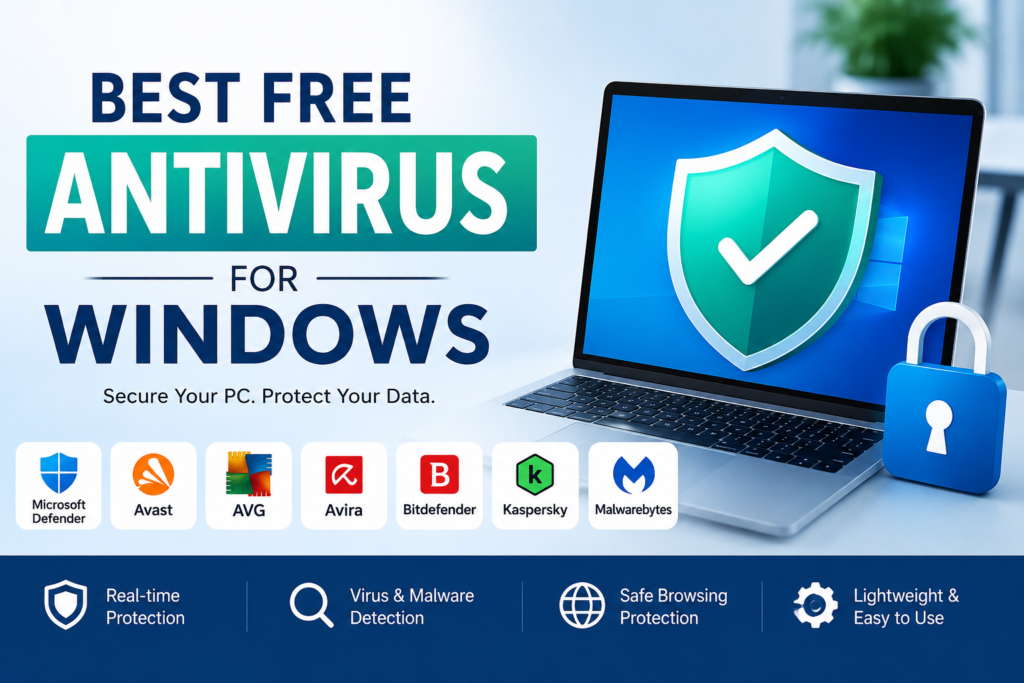
Every antivirus mentioned above has its own strengths.
If you prefer built in protection without installing extra software, Microsoft Defender is an excellent choice.
If you want additional scanning tools and extra features, Avast or AVG may suit you better.
If maximum malware detection is your priority, Bitdefender remains one of my favorite recommendations.
If you enjoy simple software with privacy tools, Avira is a solid option.
If you want lightweight cloud based protection, Panda deserves attention.
There is no single antivirus that is perfect for everyone. The best choice depends on your personal preferences, computer specifications, and daily usage.
Final Thoughts
After trying different antivirus programs over the years, I have realized that free antivirus software has improved dramatically. Modern free solutions offer security that would have seemed impossible a decade ago.
For most Windows users, paying for antivirus software is not always necessary. Trusted free antivirus programs can successfully defend against viruses, ransomware, spyware, phishing attacks, and many other online threats.
The key is choosing a reputable antivirus, keeping it updated, and combining it with safe online habits. Together, these simple steps can greatly reduce the chances of malware infecting your computer.
If someone asks me which free antivirus I recommend today, I would confidently say Microsoft Defender, Bitdefender Free, Avast Free Antivirus, AVG Free Antivirus, Avira Free Security, Panda Free Antivirus, and Kaspersky Free are all excellent choices. Each provides dependable protection, regular updates, and an easy to use experience without costing anything.
At the end of the day, the best antivirus is the one that stays active, receives regular updates, and encourages you to practice safe computing. Protecting your Windows PC does not have to be expensive, and with the right free antivirus, you can enjoy a safer and more secure digital experience every day.