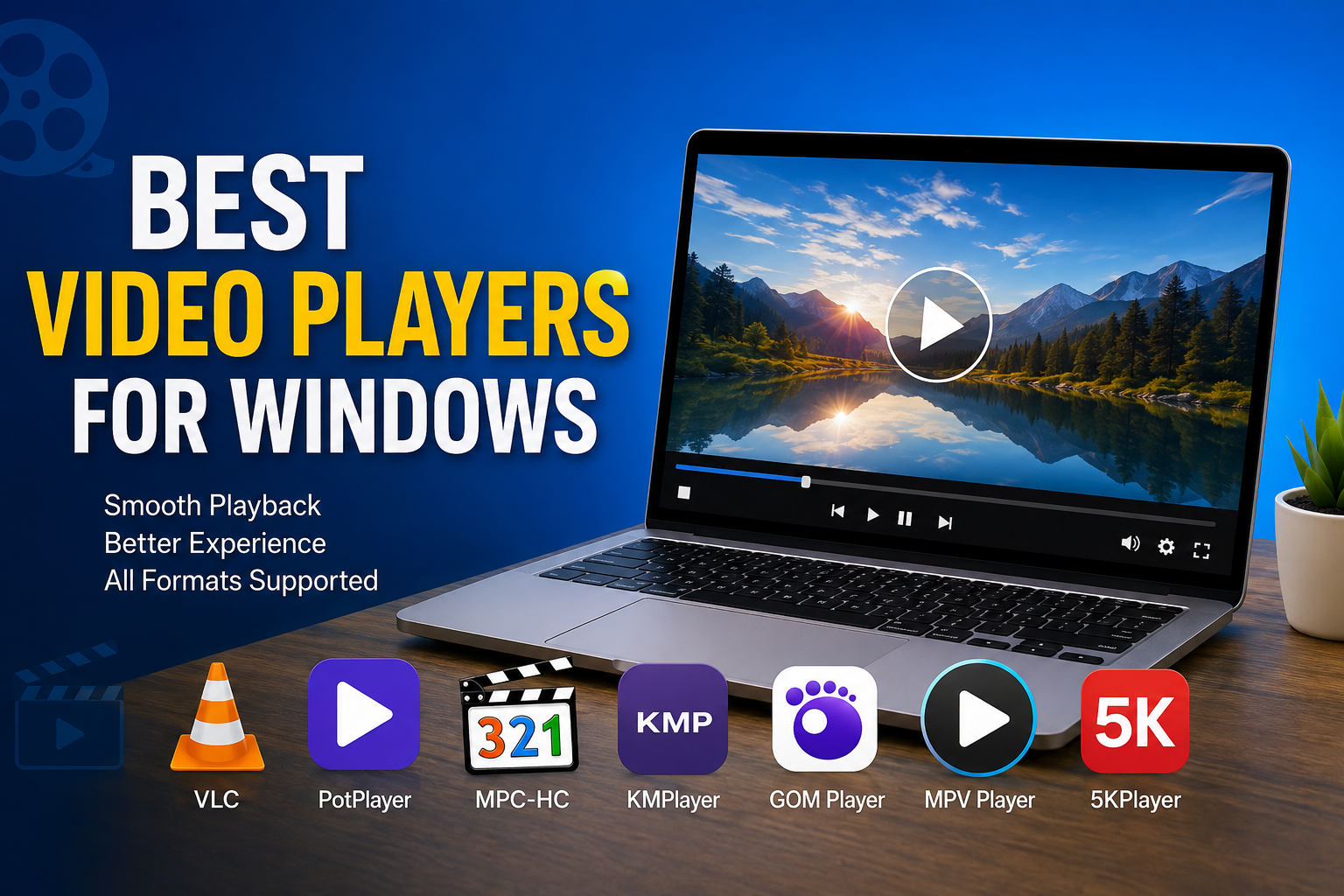
Whenever I install Windows on a new computer, one of the first things I do is choose a reliable video player. Even though Windows comes with its own built in media player, I have always felt that third party video players offer a much better experience. They support more video formats, provide better playback controls, and include useful features that make watching movies, TV shows, tutorials, or personal videos much more enjoyable.
Over the years, I have tried many different video players. Some were packed with features but difficult to use, while others were simple yet surprisingly powerful. After spending time with several options, I have found a few that consistently deliver excellent performance. In this article, I will share my personal thoughts about the best video players for Windows and explain why I think they deserve a place on every computer.
Why Choosing a Good Video Player Matters
Many people believe that every video player does the same job, but that is not true. A quality video player can improve video quality, support more file formats, play high resolution content smoothly, and even help organize media files.
I also appreciate video players that allow subtitle customization, playback speed adjustment, screenshot capture, and keyboard shortcuts. These small features make a big difference during everyday use.
If you watch videos regularly, investing a few minutes in choosing the right player can save you from playback errors and compatibility issues later.
VLC Media Player
Whenever someone asks me which video player they should install first, VLC Media Player is usually my recommendation.
The biggest reason is its incredible compatibility. VLC can play almost every video and audio format without asking users to install extra codecs. Whether it is MP4, AVI, MKV, MOV, FLV, or many other formats, VLC handles them effortlessly.
Another feature I really like is its lightweight design. It starts quickly and runs smoothly even on older computers. I have used VLC on both high end desktops and low specification laptops, and the performance has always been impressive.
The subtitle support is another major advantage. Adding subtitles is simple, and there are plenty of customization options for font size, color, and synchronization.
For anyone looking for a free and reliable video player, VLC remains one of the safest choices.
PotPlayer
PotPlayer is another excellent video player that impressed me with its speed and customization options.
When I first started using PotPlayer, I noticed how smooth the playback felt. Even large 4K videos played without noticeable lag on supported hardware.
One thing I enjoy most about PotPlayer is the level of control it gives users. Almost every playback setting can be adjusted according to personal preferences. This makes it perfect for people who enjoy fine tuning their media experience.
It also supports hardware acceleration, multiple subtitle formats, and advanced audio settings.
Although beginners may find its settings menu slightly overwhelming, spending some time learning the software is definitely worth it.
MPC HC
Media Player Classic Home Cinema is another player that deserves attention.
I personally like its clean and traditional interface. It reminds me of older versions of Windows Media Player but includes many modern features.
Despite its simple appearance, MPC HC performs extremely well. It opens quickly, uses very little system memory, and supports a wide range of media formats.
For users who prefer lightweight software without unnecessary extras, this player is a fantastic option.
It is especially suitable for older computers where system resources are limited.
KMPlayer
KMPlayer has been around for many years, and it continues to be a popular choice among Windows users.
One thing I appreciate about KMPlayer is its support for high quality video playback. Watching Full HD and 4K content feels smooth, provided the computer hardware is capable enough.
The software also includes subtitle support, playback speed controls, screen capture, and various video adjustment options.
Another useful feature is its ability to play damaged or incomplete media files in certain situations, which can be helpful when dealing with partially downloaded videos.
While the interface includes many options, regular users will quickly become familiar with its layout.
GOM Player
GOM Player offers a nice balance between simplicity and useful features.
I have often recommended GOM Player to friends who want something easy to use but still capable of handling different video formats.
One feature I particularly like is its subtitle search function. Instead of manually searching the internet, GOM Player can help locate subtitles for many movies.
It also supports virtual reality videos, screen capture, playback controls, and customizable skins.
For everyday entertainment, GOM Player performs reliably and provides a pleasant viewing experience.
MPV Player
If you prefer lightweight software with outstanding performance, MPV Player is worth considering.
Unlike many traditional media players, MPV focuses on simplicity. The interface is minimal, yet the playback quality is excellent.
I appreciate how efficiently it handles high resolution videos while consuming very few system resources.
Although advanced users will enjoy its customization options through configuration files, beginners can simply install it and start watching videos immediately.
For users who value speed and performance over visual design, MPV is an excellent solution.
5KPlayer
5KPlayer is another interesting option that offers more than standard video playback.
Besides playing videos, it also supports music playback, online video downloads, wireless streaming, and AirPlay features.
I found it especially useful for users who frequently move content between different devices.
It supports popular video formats and handles high resolution content very well.
Although it includes more features than I personally need, many users will appreciate having everything in one application.
Important Features I Always Look For
Whenever I evaluate a video player, I pay attention to several important features.
The first is format compatibility. A player should support as many video and audio formats as possible.
The second is playback quality. Videos should run smoothly without freezing or stuttering.
Subtitle support is another essential feature because many movies and educational videos require accurate subtitles.
Hardware acceleration also plays an important role, especially when watching 4K or high bitrate videos.
I also appreciate players that provide customizable keyboard shortcuts, screenshot tools, playlist management, and playback speed adjustment.
These features improve the overall viewing experience and make daily use much more convenient.
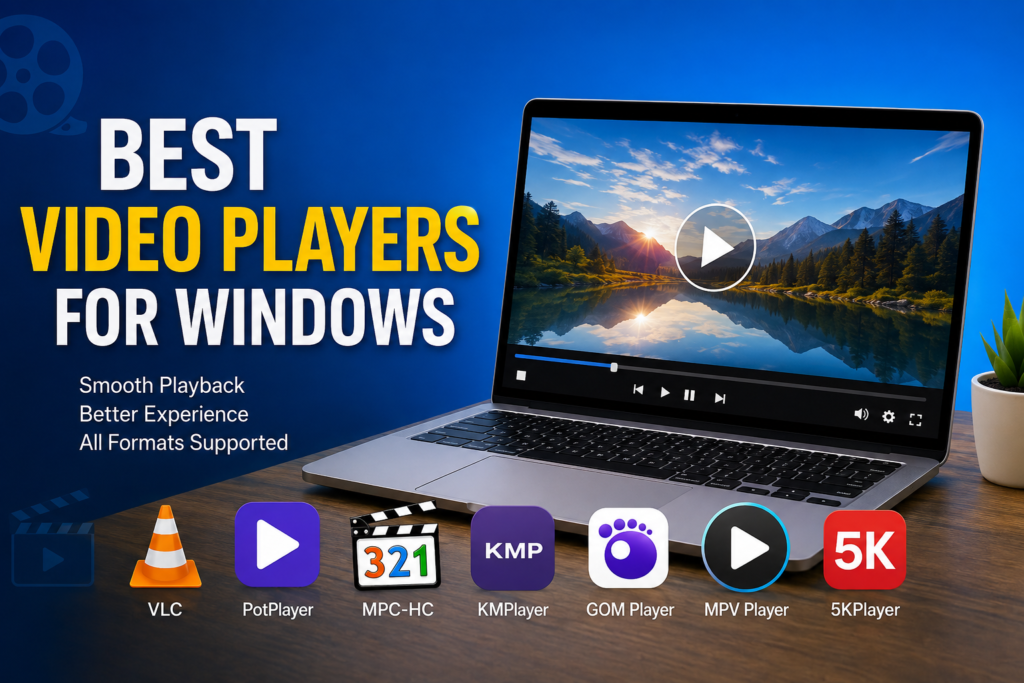
Which Video Player Is Best for Different Users
Different users have different needs, so there is no single perfect choice.
If someone wants maximum compatibility and reliability, I believe VLC Media Player is difficult to beat.
For advanced users who enjoy customizing every setting, PotPlayer is an outstanding option.
People using older computers may prefer MPC HC because it runs efficiently with limited hardware resources.
Users looking for subtitle features may enjoy GOM Player.
Those who appreciate minimal design and outstanding performance should definitely try MPV Player.
If extra streaming features are important, 5KPlayer offers several useful tools beyond standard playback.
Tips for Better Video Playback
Even the best video player cannot perform well if the computer is poorly maintained.
I always recommend keeping graphics drivers updated because newer drivers often improve video decoding performance.
Using hardware acceleration whenever supported can significantly reduce CPU usage during playback.
Keeping enough free storage space also helps maintain smooth system performance.
If videos continue to lag, lowering background applications can free additional memory and processing power.
Finally, downloading videos from trusted sources reduces the chances of corrupted files causing playback issues.
My Personal Recommendation
After testing many different video players over the years, I still find myself returning to VLC Media Player most often.
It is stable, fast, completely free, and capable of playing nearly every media format I use. I rarely encounter compatibility problems, and the software continues to receive updates that improve both performance and security.
However, I also keep PotPlayer installed because I enjoy its advanced controls when watching high quality videos or experimenting with playback settings.
The good news is that every player mentioned in this article is free to try, so users can easily install a few of them and decide which one matches their personal preferences.
Final Thoughts
Finding the best video player for Windows is not difficult once you understand your own needs. Some people simply want a player that opens every file without any problems, while others look for advanced customization, better subtitle support, or improved playback quality.
In my experience, VLC Media Player remains the most balanced choice because it combines simplicity, reliability, and outstanding compatibility. PotPlayer is perfect for advanced users, MPC HC is excellent for older computers, KMPlayer offers powerful multimedia features, GOM Player provides convenient subtitle tools, MPV Player delivers lightweight performance, and 5KPlayer adds useful streaming capabilities.
No matter which option you choose, using a quality video player can completely transform your entertainment experience. Smooth playback, excellent picture quality, flexible controls, and wide format support make watching videos much more enjoyable. Instead of relying only on the default Windows media player, I always recommend trying one of these excellent alternatives. In my opinion, they provide a far better viewing experience and make everyday video playback faster, easier, and more enjoyable.