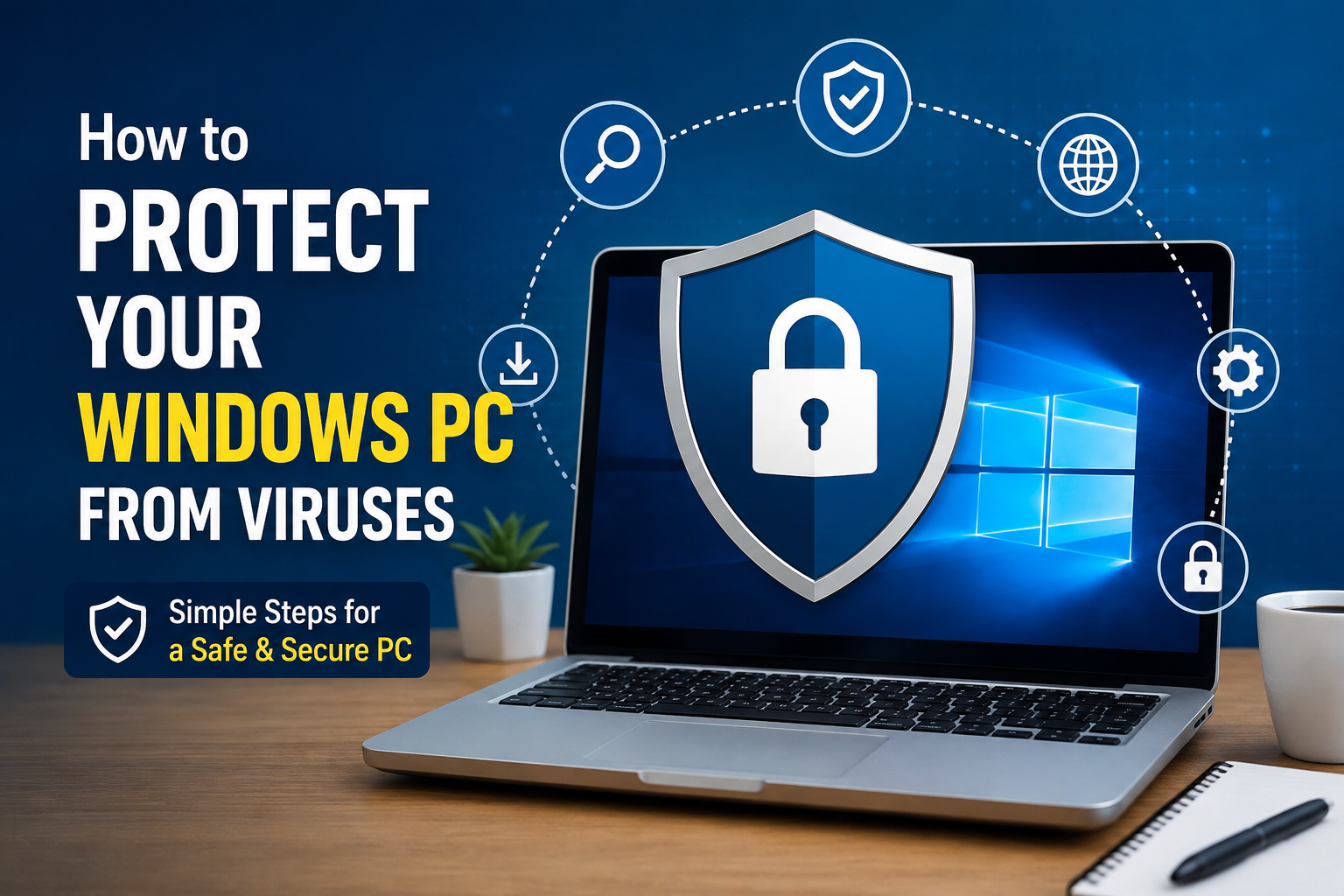
If you use a Windows computer every day like I do, then keeping it safe from viruses should always be a priority. Whether I use my PC for work, studying, gaming, or browsing the internet, I know that one wrong click can create serious problems. A virus can slow down the computer, steal personal information, damage important files, or even make the entire system unusable.
The good news is that protecting a Windows PC is not difficult. I have learned that following a few simple habits is enough to keep most threats away. I do not consider myself a cybersecurity expert, but over time I have discovered several practical methods that have helped me keep my computer secure. In this article, I will share the tips that I personally believe every Windows user should follow.
Keep Windows Updated
The first thing I always do is keep Windows updated. Many people ignore update notifications because they think updates take too much time. I used to do the same, but later I realized that updates often include important security fixes.
Hackers constantly search for weaknesses in operating systems. When Microsoft finds these weaknesses, they release updates to fix them. If I delay these updates, my computer stays vulnerable to attacks.
I usually allow Windows to install updates automatically. This way I do not have to remember to check for them manually, and my PC stays protected with the latest security improvements.
Install a Trusted Antivirus
One of the most important steps I take is using a reliable antivirus program. Although Windows Security, previously known as Windows Defender, is already included with Windows and offers strong protection, some users prefer additional antivirus software with extra features.
A trusted antivirus can detect harmful files before they damage the computer. It scans downloads, blocks dangerous websites, and removes viruses before they spread.
The important thing is not to install multiple antivirus programs at the same time. I have learned that running more than one antivirus can actually slow down the computer and create conflicts.
Turn On Real Time Protection
Installing antivirus software alone is not enough. I always make sure that real time protection is enabled.
Real time protection checks files as soon as they are downloaded, copied, or opened. Instead of waiting for a manual scan, it immediately looks for suspicious activity.
This feature has saved many users from accidentally opening infected files. It works quietly in the background without interrupting daily tasks.
Download Software from Official Sources
Whenever I need new software, I download it only from official websites.
There are many third party websites that offer free downloads, but some of them secretly include malware, spyware, or unwanted programs.
I have found that downloading directly from the official developer is much safer. It reduces the chances of installing fake software that can infect the system.
Stay Away from Pirated Software
Free cracked software may look tempting, but I personally avoid it.
Many pirated applications contain hidden malware that installs silently during setup. Sometimes the software works perfectly while secretly stealing passwords or collecting personal information.
Buying genuine software or using free alternatives gives me much greater peace of mind. In the long run, it is far cheaper than dealing with data loss or identity theft.
Think Before Clicking Links
One habit that has helped me the most is thinking carefully before clicking any link.
Cybercriminals often send fake emails, text messages, or social media links that look genuine. They may pretend to be banks, shopping websites, delivery companies, or even Microsoft.
Before clicking anything, I check the sender’s email address and read the message carefully. If something feels suspicious, I simply ignore it.
Being cautious for a few seconds can prevent hours of frustration later.
Avoid Opening Unknown Email Attachments
Email attachments are one of the most common ways viruses spread.
If I receive an attachment from someone I do not know, I never open it immediately. Even if it appears to come from a friend, I stay careful because email accounts can be hacked.
When I am unsure, I scan the attachment with my antivirus before opening it.
This simple habit greatly reduces the risk of infection.
Use Strong Passwords
Although passwords may not directly stop viruses, they help protect my accounts if malware tries to steal login information.
I always create passwords that are difficult to guess. I avoid using birthdays, names, or simple number combinations.
A strong password usually includes uppercase letters, lowercase letters, numbers, and special characters.
Whenever possible, I also enable two factor authentication because it provides another layer of security.
Use Microsoft Edge SmartScreen or Safe Browsing Features
Modern web browsers include security features that warn users before visiting dangerous websites.
Whenever I browse the internet, I pay attention to these warnings. If the browser says a website may be unsafe, I do not ignore the message.
These built in security tools have become much smarter over the years and can stop many malware infections before they even begin.
Keep Your Browser Updated
An outdated browser can become an easy target for hackers.
Whether I use Microsoft Edge, Google Chrome, Mozilla Firefox, or another browser, I always keep it updated.
Browser updates often fix security problems that attackers try to exploit.
Automatic updates make this process simple and require very little effort.
Scan USB Drives Before Opening
USB flash drives can easily spread viruses between computers.
Whenever I connect a USB drive, I scan it before opening any files.
This habit is especially important when using drives borrowed from friends, offices, schools, or public places.
A quick scan only takes a few moments and can prevent major problems.
Create Regular Backups
No security system is perfect.
Even with strong protection, accidents can still happen. That is why I regularly back up my important files.
I save copies of documents, family photos, videos, and important work on an external hard drive or a trusted cloud storage service.
If my computer ever becomes infected with ransomware or another serious virus, I know my important files are still safe.
Enable the Windows Firewall
The Windows Firewall is another feature that I never disable.
It monitors incoming and outgoing network traffic and blocks suspicious connections.
Most users never notice it working because it quietly protects the computer in the background.
Keeping the firewall enabled adds another important layer of defense against hackers and malware.
Remove Unused Programs
I regularly uninstall software that I no longer use.
Old applications may stop receiving security updates, making them vulnerable to attacks.
Cleaning unnecessary programs also improves computer performance while reducing potential security risks.
I check my installed software every few months and remove anything that is no longer needed.
Be Careful on Public WiFi
Public WiFi networks are convenient, but they can also be risky.
When I connect to public internet at airports, cafes, or hotels, I avoid accessing sensitive accounts such as online banking.
If I need to use public WiFi for important tasks, I prefer using a trusted VPN service to encrypt my internet connection.
This helps protect my personal information from cybercriminals.
Watch for Warning Signs
Sometimes a virus gives clear warning signs before causing serious damage.
If my computer suddenly becomes slow, shows unexpected advertisements, crashes frequently, or opens unfamiliar programs, I investigate immediately.
Running a full antivirus scan often helps identify the problem before it becomes worse.
Ignoring these signs can allow malware to spread further across the system.
Educate Yourself About Online Scams
Technology changes every year, and so do online scams.
I like reading about the latest cyber threats because new scams appear regularly.
The more I understand how scammers operate, the easier it becomes to recognize suspicious emails, fake websites, and fraudulent downloads.
Knowledge is one of the strongest forms of protection.
Keep Important Files Encrypted
For sensitive documents, I sometimes use encryption.
If someone gains access to my files, encrypted data remains unreadable without the correct password.
Windows offers built in security features that help protect confidential information.
Although encryption may not stop viruses, it adds another valuable layer of security.
Do Not Ignore Security Warnings
Sometimes people click through security warnings without reading them.
I have learned that these warnings exist for a reason.
Whether it is Windows Security, my browser, or antivirus software, I always take a few moments to understand the message before proceeding.
Many infections happen simply because users ignore these alerts.
Final Thoughts
Protecting a Windows PC from viruses is not about using one security tool. In my experience, it is about building good habits and staying alert every day. Keeping Windows updated, using a trusted antivirus, downloading software from official sources, avoiding suspicious links, creating backups, and practicing safe browsing together provide strong protection against most threats.
Cybercriminals are constantly finding new ways to target computer users, but staying informed and following basic security practices can greatly reduce the risk. I believe that spending a few minutes on prevention is much better than spending days trying to recover lost files or repair an infected computer.
By making these simple habits part of my daily routine, I can enjoy using my Windows PC with greater confidence, knowing that my personal data and important files are much safer from viruses and other online threats.